Showing posts with label samsung roms. Show all posts

| ROM | Sphinx V2c For Galaxy A7 2016 SM-A7108 Stable Android 6.0.1

Stock base Custom Rom Sphinx V2c Stable Version Of Android 6.0.1
Marshmallow
Rom Information
  • Build On Latest Version Of Android 6.0.1
  • Build In Standard Format Flash-Able Trough Odin Flash Tool
  • Remove All Korean Application
  • Multi Languages English And Other Also Included 
  • After Flashing Rom You Phone Look Like As International Version 
  • Fix USSD Code Issue Like *#06# *#0*#
  • Added manually Network Selection 2G/3G, 3G Only, LTE Only
  • Auto Receive Sim Contact. No Need To import manually
  • Fix Message Limitation. Message Not Convert in-to MMS After 160W
  • And Much More... You Must Try this Rom 
Download
Download Sphinx V2c For Galaxy A7 2016 SM-A7108 |Download Here|

Installation Guide
  1. Download Above Rom And Then Extract it
  2. Now Install Samsung USB Driver Download From Here |Download Now|
  3. Now Download Odin Flash Tool |Download Now|
  4. Now Run Odin Flash Tool And Added .Tar.Md5 File In AP Section
  5. Now Attached The Phone Via data Cable With PC Or laptop And Wait For Connecting
  6. Now Click On Start Button And Wait For Complete.
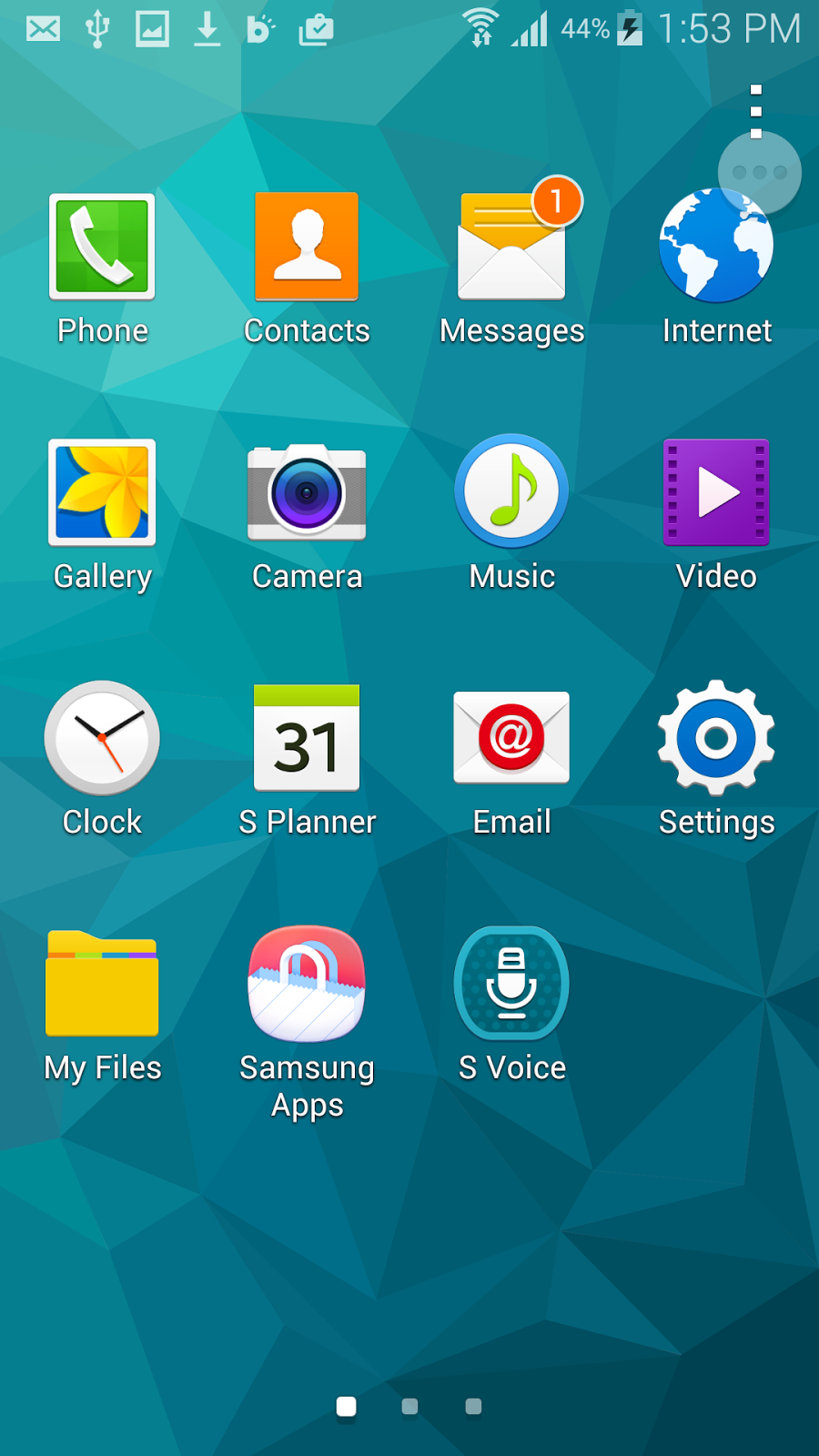
Some Screen Shot's
Scree Shots In Korean Language Don't Worry English Also Included In This Rom
Don't Forget To Select English language On First Startup


Sphinx V1b For Galaxy A8 2016 SM-A810S Android 6.0 2017 | Flash-Able Trough odin |


| Sphinx V1B Android 6.0 |
Rom Information:-
  • Build On latest Version Of Android 6.0.1
  • Build In Samsung Standard Flash-Able File .Tar.Md5 | Flash-Able Trough Odin | Same As Stock Rom
  • Remove All Korean Application
  • Fix USSD Code Like *#06# And *#0*# ETC
  • Added manual Network Selection 2G/3G Auto, 2G Only , 3G Only, LTE Only
  • Enhance Message Limitation | you can Type Longest SMS Trough hangout | If You Set On Default SMS App
  • Message Not Convert In-to MMS After 160 Word
  • Add Samsung Music International App
  • Fix GPS Locator
  • International Weather Widget
  • Added Network Speed In Status Bar
  • Update All Application On latest Versions
Download Rom:-
Sphinx v1b Galaxy A8 SM-A810S
Installation Guide:-
  1. Download Above Rom And Then Extract it
  2. Now Install Samsung USB Driver Download From Here |Download Now|
  3. Now Download Odin Flash Tool |Download Now|
  4. Now Run Odin Flash Tool And Added .Tar.Md5 File In AP Section
  5. Now Attached The Phone Via data Cable With PC Or laptop And Wait For Connecting
  6. Now Click On Start Button And Wait For Complete.
| Some Screen Shots Of Sphinx V1b |


Samsung Galaxy S8 & S8 Plus Specification


Galaxy S8 & S8 Plus Phone Specification
Model SM-G955F

Processor
Exynos 8895 | Kangchen | 10nm, 2.5G + A53 1.7G 64bit
Snapdragon 835 |MSM8998| 10nm, kryo 2.9G + Kryo 2.2 64bit

RAM
LPDDR4 4GB Ram
----------------------------------------------------
Internal Memory | ROM |
64 GB And 128 GB Builtin memory
----------------------------------------------------
Camera
8MP Front Camera And 12MP Dual Camera On back AF F 1.7
----------------------------------------------------
Battery
3480 MAH Battery
----------------------------------------------------
Display
6.2" Inch Large Screen Aspect Ratio 18.5:9 2K Curved For Sided. Slightly Curved From Top And Bottom Side Spill Curved As You Can Se In  Pictures
----------------------------------------------------
Others 
Force Touch support
LTE-U, 5G LTE-U connectivity
USB Type 3.1 support
Dust & waterproof IP68
Supports iris scanning sensor

fingerprints on the screen


|Custom/Rom| Galaxy S4 E300S | L | K Lollipop Rom Style Note 7 Marshmallow

➥ Stock Base Custom Rom For Galaxy S4 SHV-E300S.L.K
➥Complete Style Of Note 7 UI Stable Rom For S4
⦑ Rom Information ⦒

➥   Base On Firmware Of S4 E300SKSUGPE2 / E300KKTUGPE2 / E300LKLUGPE2
➥   Stable Rom & Better than Stock Rom
➥   Smooth, And Good Battery Life & Low Ram Usage
➥   Convert Korean To International Auto Default CSC XXV 
➥   Remove Korean Apps & Added Some Latest Features Of Note 7
➥   Fix SMS Limitation You Can Type Longest Message On Stock SMS App
➥   99.9 % Original S4 Stock Rom. Added Note 7 Themes, Wallpapers, Ad Apps
➥   Added Weather Note 7, 5 way Boot Menu, Keyboard S7 ETC
➥   Added Ringtone Full Of Note 7 & Notification Menu Full Note 7 & S7 Boot animation 

⦑Downloads⦒

➥ Download Rom For Galaxy S4 SHV-E300S |Download Here|
➥ Download Rom For Galaxy S4 SHV-E300L |Download Here|
➥ Download Rom For Galaxy S4 SHV-E300K |Download Here|

⦑Installation Guide⦒

➥ Above Rom Flash-Able Trough Custom Recovery CWM/TWRP 
➥ Download Above Rom For Your S4 Right Model And Then Copy In-to Phone Memory
➥ Now reboot Phone In-to Custom Recovery And Wipe 3 Steps 1- Wipe Cache 2- Data 3- Dalvik
➥ After Wiping Back On Main page And Click on install Find Then Copied Rom And Flash it
➥ After Flashing Done Reboot And Enjoy ๐Ÿ˜Š๐Ÿ˜Š
๐Ÿ™Œ๐Ÿ™Œ Don't Forget To Say Thanks ๐Ÿ™†๐Ÿ™†

Android 6.0 Marshmallow For Galaxy S3 GT-I9300


Marshmallow 6.0 For Galaxy S3 GT-i9300
It's Not Stock Base It Is Cynogen Mode
|Rom Information|
  • Android Version 6.0
  • Cyanogen   Mode
  • Only For GT-i9300
  • Not 100% Stable But Amazing
|Downloads|
|Installation Guide|
  • Download Above Both Files And Then Copy In-to Phone Memory 
  • Now reboot Phone In-to Recovery  | TWRP OR CWM | 
  • Now Wipe 3 Steps 1- Cache 2- Dalvik 3- Data
  • After Wiping Flash Android 6.0.Zip File And Then Flash Gapps 
  • After Flashing Done Reboot Phone,
  • Enjoy. Android 6.0 On S3 Gt-i9300.
After Installing Please Share Your Experience In Comment Thanks.
:)

|Stock Rom| Galaxy S5 G906 S | L | K 6.0.1 Marshmallow Official Rom


  • Extract (unzip) the firmware file
  • Download Odin v3.11.1
  • Extract Odin ZIP file
  • Open Odin v3.11.1
  • Reboot Phone in Download Mode (press and hold Home + Power + Volume Down buttons)
  • Connect phone and wait until you get a blue sign in Odin
  • Add the firmware file in-to AP / PDA Section
  • Make sure re-partition is NOT ticked
  • Click the start button, and wait few minutes, After Flashing Done Your Phone Automatically Reboot


  • Download Stock 6.0.1 For Galaxy S5 G906SKSU1CPE1 
|G-Drive Link| Or |Sammobile Link|
  • Download Stock 6.0.1 For Galaxy S5 G906LKLU1CPD5 
|G-Drive Link| Or |Sammobile Link|
  • Download Stock 6.0.1 For Galaxy S5 G906KKTU1CPE1 
|G-Drive Link| Or |Sammobile Link|


|Custom/Rom| Galaxy S4 E300S | K Lollipop Rom Style S6 | N5 Marshmallow 6.0


  • N5 Port For S4 E300S | K
  • Fix Playstore | Download And Update Apps |
  • Fixed Com.Android.media Stop
  • Updaet Galaxy S7 Wallpaper 
  • Update Google Play Service And Apps On Latest Version
  • Download Rom And Copy In-to Phone Memory Then Follow These Steps
  1. Wipe Factory Data Reset
  2. Wipe Cache
  3. Format System. From mount And Storage
  4. Wipe Dalvik Cache From Advance
  5. Format Data If Available In Mount And Storage
  6. Now Go back On Main Page And Click On Install Zip ->Install Zip From Sd->Find And Flash
  7. Reboot And Enjoy :)
Screen Shot's


|Firmware | Rom| Galaxy Note 3 DCM SC-01F Sphinx V1a Custom Rom 4.4 Kit-Kat | Fix All |

  • Build On Latest Stock Kit-Kat Rom
  • Remove Unwanted Apps
  • Fix Message
  • Fix All Korean, Update All Apps On latest Version,
  • Enhance Battery Timing, Optimized Ram Usage
  • Flash-Able Trough Odin Flash Tool
  • Stability 100%, Smooth, Batter Than Stock
  • Rom File Is Password Protected So Password Is: choimobile.vn


Samsung USB Driver And Odin Flash Tool |Download Here|


Screen Shot's:-


Galaxy S6 / S6 Edge G920F G925F Android 6.0 Update Official |High Speed Download Link|


  • Galaxy S6 International Version OFFICIAL G920F Android 6.0.1 update received. Currently the machines in the euro zone would have Android 6.0.1 update via OTA protocol! 
  • You do not update via OTA, you can download files stock Android 6.0.1 Rom G920F below on up through Odin offline.
  • Download Stock Rom For Galaxy S6 SM-G920F 
G920FXXU3DPAD_G920FOXA3DPAE_XEF.zip (France update 23/02)
  • Download Stock Rom For Galaxy S6 SM-G925F
G925FXXU3DPAD_G925FOXA3DPAD_XEU.zip (UK-Ireland-Update 23/02)

Watch instructions FAIL Errors Fix Guide. Up Android 6.0.1 Rom VOD Galaxy S6 and S6 Edge Galaxy G920F / G925F

For Samsung USB Driver |Click Here|

|Stock Rom| Galaxy Note 3 SM-N900S/L/K Lollipop Stock Rom

  • Stock Rom Latest 5.0.1 Lollipop
  • Flash-Able Trough Odin Flash Tool |.Tar.MD5| Format

|Rom| Spacex Lollipop 5.0.1 For Note 3 SM-N900S/L/K Fix All, Smooth, Stable S6 Interface

  • Base On The Latest Stock Lollipop Rom
  • Build In .Tar.MD5 For Flash Trough Odin
  • AD Many Themes Specially AD Galaxy S6 Interface
  • Remove All Rarely Used Apps
  • Remove Knox
  • Increase System Performance
  • Fix SMS Limitation 
  • Fix USSD Code Issue
  • Fix Korean Dial Pad
  • Fix Losst Wifi Pass
  • Update All Application With Latest Available Version 
  • Beautiful Weather Widget Range S6  
  • And Many More...


If You Don't Know How To Flash Rom Via Odin Flash Tool So Click On Link Below.

[Stock Base] Galaxy S4 SHV-E330S,L,K Custom Rom Fix Korean Issues Remove All Korean Apps

  • Fix All Korean Issues
  • Fix Korean Dial pad
  • Remove Korean Bloatware
  • Added S5 Interface Style 
  • Smooth And Stable Because It is Stock Base Rom
  • Android version 4.4.2 Kit-kat 
  • Flash-able Trough Odin Flash-Tool
  • Also Fix network Mode 
  • You Can Easily Switch |2G, 3G, And 4G Mode| From Setting
You Need Following Files For Flashing
  1. Samsung USB Driver |Download Here|
  2. Odin Flash Tool |Download Here|
  3. 4.4.2 Custom Rom |Download Here|
Screen Shots:-


Galaxy S2 HD SHV-E120L Lollipop Rom 5.1.1 |CM 12.1|

  • This is Custom Rom But 80% Stable And Smooth 
  • Fix 1080P Camcorder In this Rom
  • Remove SMS Limitation 
  • 100% English Rom.
  • Download TWRP Recovery Flash-Able Trough Odin |Download Here|
  • If Your Phone ALready Rooted And have TWRP Recovery So Skip This Step
  • If Your phone Rooted And Have A CWM Recovery So Please Update Your CWM To TWRP
  • Download TWRP Recovery Flash-Able Trough CWM Recovery |Download Here|
  • Download Lollipop Rom |Download Here|
  • Download Odin Flash-Tool |Download Here|
  • Samsung USB Driver |Download Here|
  • Don't Forget To Install USB Driver First Then Go On Odin Process
  1. If Your Phone Already Have Installed TWRP So Skip This Step If Not Have. Follow.. Under
  • Download TWRP Recovery Flash-Able Trough Odin And Download Odin Flash-Tool
  • Now Power Off Your Phone And Putt Your Phone On Download Mode By Pressing 
|Power + Home + Volume Down|
  • When Download Mode Appear  Then Attached Your Phone With PC And Run Odin.exe
  • Now Load Recovery.tar File In Odin Ap Section And Then Check Boxes Just Click On Two Boxes F.reset Time And Auto Reboot And Then Click On Start When Flashing Done Your Phone Auto Reboot in-to Recovery Some Time Not Auto reboot Then Go-to Manual Reboot In-to recovery By Pressing These Buttons |Power + Home + Volume UP|
  • After Successfully Flashing Recovery Download Lollipop Zip Rom And Copy In-to Phone Memory. After Copying Go-to Custom recovery And Flash it.

Screen Shots:-


Subscribe Us On Youtube

Subscribe Us On Youtube